



Elementor is one of the most popular page builders for WordPress, but many users install additional Elementor addons to access more widgets, templates, and advanced design features. While these addons can significantly improve your website-building experience, they can also affect your site’s speed and overall performance.
Website speed is no longer just a nice-to-have feature. It directly impacts user experience, search engine rankings, conversion rates, and Core Web Vitals. Even a small increase in page load time can lead to higher bounce rates and lower engagement.
The challenge is that not all Elementor addons are built the same. Some plugins include hundreds of widgets and advanced features while remaining lightweight, whereas others may load unnecessary assets that slow down your website.
In this guide, we’ll compare some of the most popular Elementor addons to see how they perform in terms of speed, optimization, and real-world usability. Instead of looking only at the number of widgets, we’ll focus on the factors that matter most for website performance.
By the end of this comparison, you’ll have a better understanding of which Elementor addon offers the best balance between features and speed.
Why Website Speed Matters for Elementor Websites
A fast-loading website provides several important benefits:
- Better user experience across desktop and mobile devices
- Improved Google rankings through stronger Core Web Vitals
- Lower bounce rates
- Higher conversion rates
- Faster editing experience inside Elementor
- Better server resource management
As websites become more feature-rich, choosing a performance-focused Elementor addon becomes increasingly important.
How We Compared These Elementor Addons
To make this comparison as fair as possible, we evaluated each plugin using the same performance-focused criteria.
1. Asset Loading
Does the plugin load CSS and JavaScript only when a widget is used, or does it load everything across the entire website?
Plugins with conditional asset loading generally deliver better performance.
2. Widget Optimization
A large widget library is useful, but only if the widgets are well optimized.
We looked at:
- Frontend rendering
- Lightweight markup
- Optimized CSS
- Efficient JavaScript usage
3. Modular Features
The best Elementor addons allow users to enable or disable individual widgets and extensions.
This reduces unnecessary code and keeps websites lightweight.
4. WooCommerce Optimization
For online stores, WooCommerce widgets should be optimized to avoid adding unnecessary scripts or slowing down product pages.
5. Core Web Vitals
We also considered how each addon supports Google’s Core Web Vitals, including:
- Largest Contentful Paint (LCP)
- Interaction to Next Paint (INP)
- Cumulative Layout Shift (CLS)
Although performance depends on hosting, caching, image optimization, and theme selection, a well-coded Elementor addon can make a noticeable difference.
Elementor Addons Included in This Comparison
We’ll compare the following popular plugins:
- Wow Elements
- Essential Addons
- ElementsKit
- Happy Addons
- Premium Addons
- Ultimate Addons for Elementor
- PowerPack
- The Plus Addons
- JetElements
- Qi Addons
Each plugin offers a different balance of features, performance, and flexibility. In the following sections, we’ll explore how they compare in real-world website building scenarios.
| Plugin | Widgets | Performance | Modular Loading | WooCommerce Features | Best For |
| Wow Elements | 170+ | ⭐⭐⭐⭐⭐ | ✅ | ✅ | All-in-one websites |
| Essential Addons | 90+ | ⭐⭐⭐⭐☆ | ✅ | ✅ | Business websites |
| ElementsKit | 90+ | ⭐⭐⭐⭐☆ | ✅ | ✅ | Multipurpose websites |
| Happy Addons | 130+ | ⭐⭐⭐⭐☆ | ✅ | ✅ | Creative websites |
| Premium Addons | 80+ | ⭐⭐⭐⭐☆ | ✅ | Limited | Small business websites |
| Ultimate Addons | 50+ | ⭐⭐⭐⭐⭐ | ✅ | Limited | Performance-focused websites |
| PowerPack | 70+ | ⭐⭐⭐⭐☆ | ✅ | ✅ | Agencies |
| The Plus Addons | 120+ | ⭐⭐⭐⭐☆ | ✅ | ✅ | Advanced users |
| JetElements | 40+ | ⭐⭐⭐⭐☆ | Partial | ✅ | Crocoblock users |
| Qi Addons | 100+ | ⭐⭐⭐⭐☆ | ✅ | Limited | Beginners |
1. Wow Elements
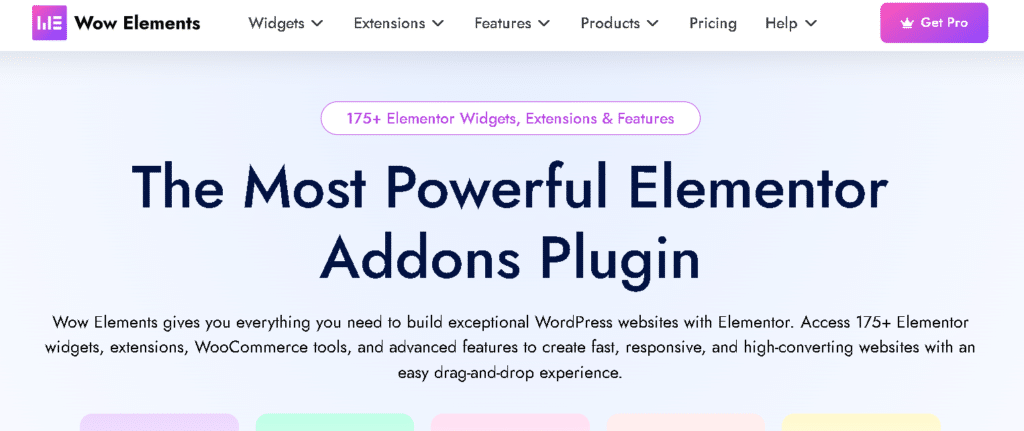
Wow Elements is an all-in-one Elementor addon designed to help users build almost any type of WordPress website without relying on multiple plugins. It combines a large widget library with advanced builders, WooCommerce tools, and productivity features while giving users control over which modules remain active.
Instead of installing separate plugins for menus, headers, WooCommerce customization, or display conditions, many of these features are available in one solution.
Performance Highlights
- Modular widget management
- Load only the features you need
- Optimized frontend assets
- Lightweight code architecture
- WooCommerce optimization
- Regular performance improvements
- Compatible with modern versions of Elementor
Pros
- Large collection of widgets and extensions
- Theme Builder included
- Mega Menu Builder
- WooCommerce Builder
- Display Conditions
- Dynamic Tags
- Frequent feature updates
- Suitable for beginners and professionals
Cons
- Beginners may need time to explore every feature.
- Some advanced tools are available only in the Pro version.
Best For
- Business websites
- WooCommerce stores
- Agencies
- Freelancers
- Landing pages
- Portfolio websites
2. Essential Addons
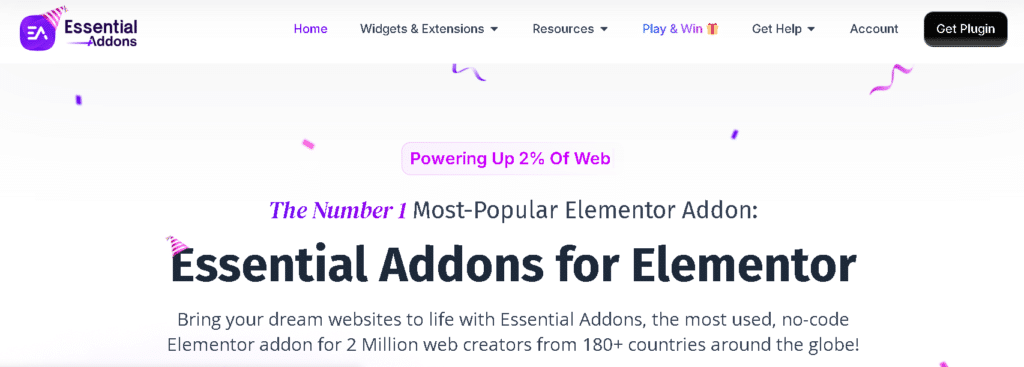
Essential Addons has been one of the most widely used Elementor addon plugins for years. It offers a good collection of widgets, templates, and marketing-focused elements while maintaining a relatively lightweight footprint.
Its modular system allows users to disable unused widgets, helping reduce unnecessary resource loading.
Performance Highlights
- Modular widget control
- Optimized CSS and JavaScript
- Good compatibility with Elementor updates
- Stable performance for most websites
Pros
- Easy to use
- Large user community
- Regular updates
- Good documentation
- Free version available
Cons
- Some advanced widgets require the Pro version.
- Fewer built-in builders compared to some all-in-one plugins.
Best For
- Bloggers
- Small businesses
- Company websites
- Marketing websites
3. ElementsKit
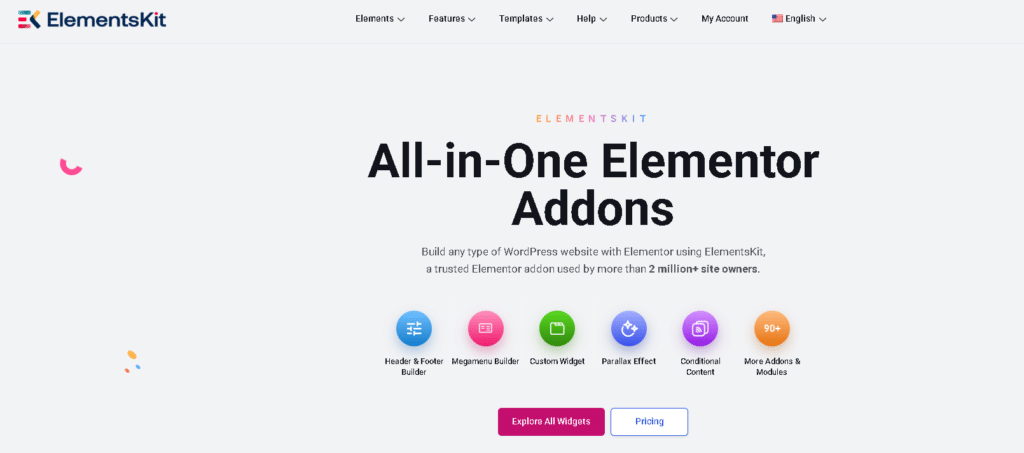
ElementsKit combines widgets with additional website-building tools such as header and footer builders, mega menu functionality, and WooCommerce features. It is designed for users who want multiple design tools in a single plugin.
Because it includes many modules, enabling only the features you actually use is recommended for the best performance.
Performance Highlights
- Widget manager
- Conditional module activation
- Optimized frontend loading
- WooCommerce support
Pros
- Header & Footer Builder
- Mega Menu
- WooCommerce widgets
- Large template library
- Active development
Cons
- Can feel feature-heavy if every module is enabled.
- Some premium features require upgrading.
Best For
- Multipurpose websites
- Agencies
- WooCommerce stores
4. Happy Addons
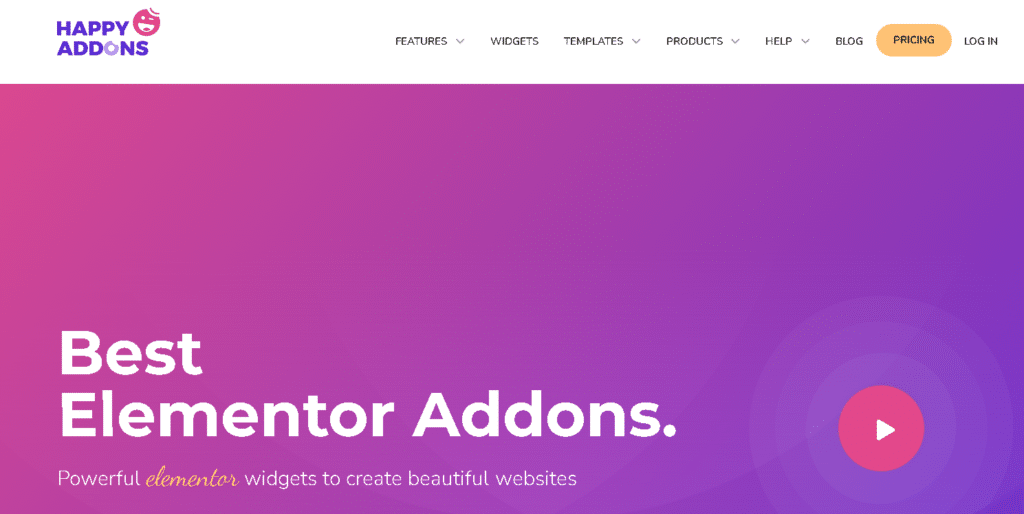
Happy Addons focuses on creative website building by offering unique Elementor widgets alongside productivity features. It is popular among designers who want more flexibility without installing several separate plugins.
The plugin includes widget management options to help reduce unnecessary loading.
Performance Highlights
- Selective widget activation
- Optimized frontend rendering
- Lightweight widget architecture
- Good Elementor compatibility
Pros
- Creative widgets
- Live Copy feature
- Preset system
- Responsive controls
- User-friendly interface
Cons
- Some advanced features are only available in the Pro version.
- Creative widgets may not be necessary for every website.
Best For
- Designers
- Freelancers
- Portfolio websites
- Creative agencies
5. Premium Addons
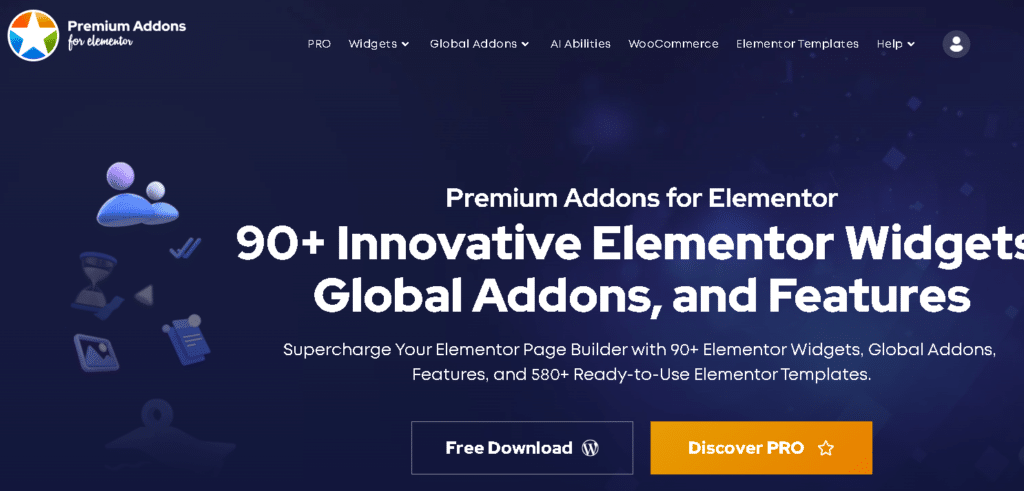
Premium Addons offers a balanced collection of Elementor widgets with a strong focus on design flexibility and ease of use. It provides useful marketing, content, and business widgets while keeping the interface simple.
Its modular approach helps website owners activate only the widgets they need.
Performance Highlights
- Widget manager
- Optimized asset loading
- Lightweight frontend output
- Responsive design optimization
Pros
- Easy setup
- Good widget collection
- Marketing-focused elements
- Beginner-friendly
- Regular updates
Cons
- Smaller feature set than some larger all-in-one plugins.
- Limited built-in website builders.
Best For
- Business websites
- Landing pages
- Marketing websites
- Beginners
6. Ultimate Addons for Elementor
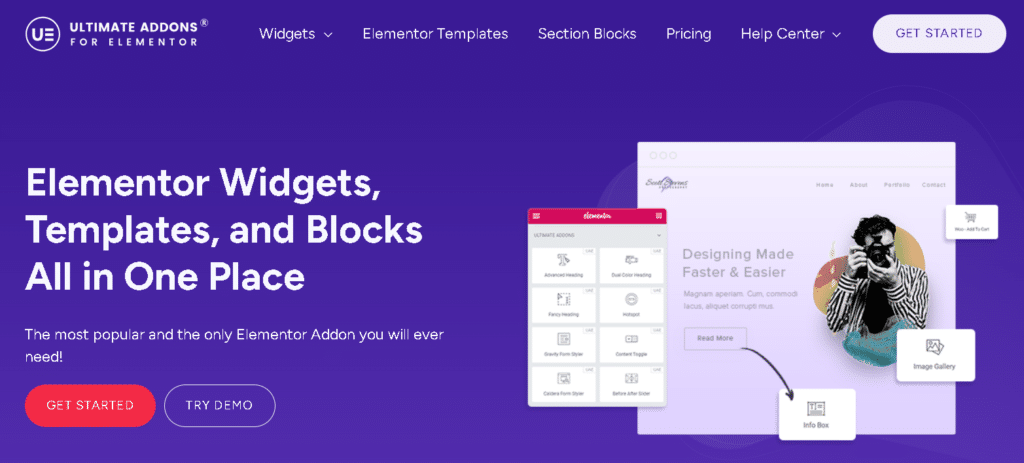
Ultimate Addons for Elementor is developed by Brainstorm Force, the team behind the Astra theme. Instead of offering the largest widget library, the plugin focuses on delivering well-built, performance-optimized widgets that integrate seamlessly with Elementor.
For users who prioritize speed over having hundreds of widgets, Ultimate Addons is a strong choice.
Performance Highlights
- Lightweight codebase
- Clean HTML output
- Optimized CSS and JavaScript
- Modular widget controls
- Regular performance updates
Pros
- Excellent performance
- Easy to use
- Reliable updates
- High-quality widgets
- Great compatibility with Astra
Cons
- Smaller widget collection than some competitors.
- Fewer advanced builders compared to all-in-one solutions.
Best For
- Performance-focused websites
- Business websites
- Blogs
- Agencies using Astra
7. PowerPack for Elementor
PowerPack offers a balanced mix of creative widgets, WooCommerce tools, and productivity features. It is particularly popular among freelancers and agencies building client websites.
The plugin emphasizes usability while keeping performance in mind.
Performance Highlights
- Modular widget activation
- Optimized frontend assets
- Responsive widgets
- Good Elementor compatibility
Pros
- Stable performance
- Well-organized widgets
- WooCommerce support
- White-label option
- Strong documentation
Cons
- Smaller template collection.
- Some advanced features require the premium version.
Best For
- Agencies
- Freelancers
- Business websites
- Client projects
8. The Plus Addons
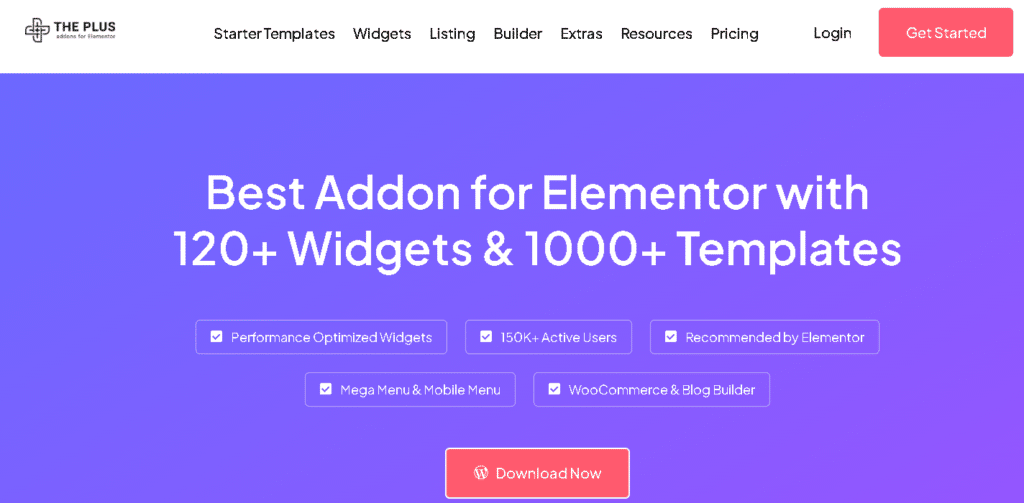
The Plus Addons is one of the largest Elementor addon plugins available, offering an extensive collection of widgets, templates, and advanced design features.
Despite its large feature set, users can improve performance by enabling only the modules they actually need.
Performance Highlights
- Widget manager
- Modular architecture
- Optimized frontend loading
- Regular feature updates
Pros
- Large widget collection
- Advanced customization
- WooCommerce features
- Marketing widgets
- Strong design flexibility
Cons
- Can become heavy if every module is enabled.
- Beginners may find the interface overwhelming.
Best For
- Advanced designers
- Agencies
- WooCommerce stores
- Large business websites
9. JetElements
JetElements is part of the Crocoblock ecosystem and is designed to work alongside other Jet plugins. It provides a collection of widgets that integrate well with dynamic content and advanced website-building workflows.
For users already using Crocoblock, JetElements fits naturally into the workflow.
Performance Highlights
- Optimized for Crocoblock
- Lightweight widgets
- Stable frontend rendering
- Regular maintenance
Pros
- Good dynamic content support
- WooCommerce compatibility
- Reliable updates
- Flexible widgets
Cons
- Works best within the Crocoblock ecosystem.
- Some advanced functionality depends on additional Jet plugins.
Best For
- Crocoblock users
- Dynamic websites
- Directory websites
- WooCommerce stores
10. Qi Addons for Elementor
Qi Addons offers a wide variety of Elementor widgets while maintaining an easy-to-use experience for beginners. The plugin focuses on design flexibility without making website building overly complex.
It is a good option for users looking for a simple yet capable Elementor addon.
Performance Highlights
- Modular widget management
- Optimized assets
- Responsive widgets
- Regular updates
Pros
- Beginner-friendly
- Good widget selection
- Clean interface
- Easy setup
Cons
- Smaller ecosystem than some competitors.
- Fewer advanced website-building features.
Best For
- Beginners
- Small business websites
- Personal websites
- Blogs
Which Elementor Addon Is the Fastest?
There is no single Elementor addon that is the fastest for every website. Performance depends on several factors, including your hosting environment, WordPress theme, caching configuration, image optimization, and the number of active widgets.
However, one thing is consistent across all high-performing websites: using only the features you need. Addons that support modular loading and optimized asset delivery generally provide better performance than plugins that load every widget and script across the entire site.
If you’re looking for an all-in-one solution, prioritize plugins that offer:
- Modular widget management
- Conditional asset loading
- Lightweight frontend output
- Regular performance updates
- WooCommerce optimization
- Compatibility with the latest Elementor releases
How to Choose the Right Elementor Addon
Before selecting an Elementor addon, consider these questions:
- Do you need a large widget library or only essential widgets?
- Will you build WooCommerce stores?
- Do you need a Theme Builder or Mega Menu Builder?
- Can unused widgets be disabled?
- Does the plugin receive regular updates?
- Is the documentation detailed and easy to follow?
- Does the support team respond quickly?
- Will the plugin grow with your future projects?
Choosing an addon based on your actual requirements often results in better performance than simply selecting the plugin with the most features.
Frequently Asked Questions
1. Which is the fastest Elementor addon?
There isn’t a single fastest Elementor addon for every website. Performance depends on your hosting, theme, caching setup, and the widgets you use. Addons with modular loading and optimized asset delivery generally provide better speed.
2. Do Elementor addons slow down a website?
They can, but not always. A well-coded Elementor addon with modular features loads only the necessary assets, helping maintain fast website performance.
3. What should I look for in a fast Elementor addon?
Look for features such as modular widget management, optimized CSS and JavaScript loading, lightweight code, WooCommerce optimization, regular updates, and compatibility with the latest Elementor version.
4. Is it better to use one all-in-one Elementor addon or multiple smaller plugins?
Using one well-optimized all-in-one addon can help reduce plugin conflicts and simplify website management. However, the best choice depends on your website’s requirements and the quality of the plugin.
5. Does the number of widgets affect website speed?
Not necessarily. What matters more is how the plugin loads its assets. If unused widgets can be disabled and assets are loaded only when needed, a plugin with many widgets can still perform well.
6. Which Elementor addon is best for WooCommerce websites?
The best choice depends on the features you need. Look for an addon that offers optimized WooCommerce widgets, product builders, and performance-focused loading to create a fast online store.
7. Can I use multiple Elementor addons on the same website?
Yes, you can. However, using multiple addons may increase the number of active scripts and styles, which can impact performance. It’s generally better to use only the plugins and features you actually need.
8. How can I improve the speed of my Elementor website?
Choose a lightweight theme, use reliable hosting, enable caching, optimize images, minimize unnecessary plugins, and use an Elementor addon that supports modular loading and optimized assets.
9. Are free Elementor addons as fast as premium addons?
Both free and premium addons can offer good performance. Speed depends more on the plugin’s code quality and optimization techniques than whether it is free or paid.
10. How do I choose the right Elementor addon for my website?
Compare factors such as performance, widget quality, WooCommerce support, ease of use, update frequency, documentation, customer support, and pricing. Select the addon that best matches your website’s goals rather than simply choosing the one with the most features.
Final Verdict
Every Elementor addon in this comparison has its own strengths. Some focus on lightweight performance, while others provide extensive design tools and advanced website-building features.
If your priority is a minimal setup with only essential widgets, a lightweight plugin may be the best fit. If you build different types of websites and want access to advanced tools like Theme Builder, Mega Menu Builder, WooCommerce Builder, Dynamic Tags, Display Conditions, and a large collection of widgets, an all-in-one solution can reduce plugin dependency and simplify website management.
Ultimately, the fastest Elementor website isn’t determined by a single plugin alone. The best results come from combining a well-optimized Elementor addon with quality hosting, a lightweight theme, effective caching, optimized images, and careful use of widgets and extensions. This balanced approach helps create fast, scalable, and user-friendly WordPress websites.