



175+ Elementor Widgets, Extensions & Features
The Most Powerful Elementor Addons Plugin
Wow Elements gives you everything you need to build exceptional WordPress websites with Elementor. Access 175+ Elementor widgets, extensions, WooCommerce tools, and advanced features to create fast, responsive, and high-converting websites with an easy drag-and-drop experience.
Mega Menu
Display Conditions
Variation Swatches
Dynamic Tags
Theme Builder
- Beautiful Design
- Quality Code
- SEO Optimized
- Priority Support
Powerful Elementor Addons Features
Take your WordPress website to the next level with powerful Elementor addons, advanced tools, and performance-focused features.
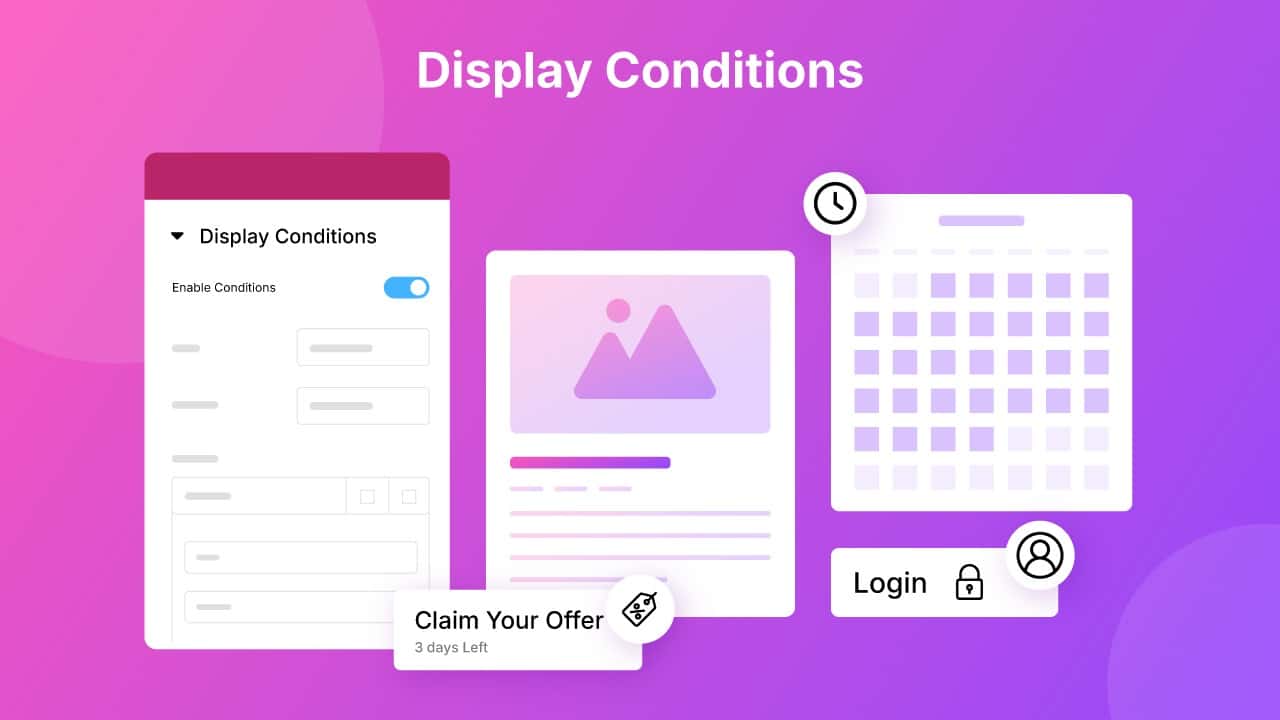
Display Conditions
Display content with precision using powerful Elementor Addons. Show or hide Elementor widgets and sections based on page type, device, user role, login status, date, and other advanced conditions. Wow Elements makes it easy to create personalized, dynamic, and high-converting WordPress websites, without writing a single line of code.
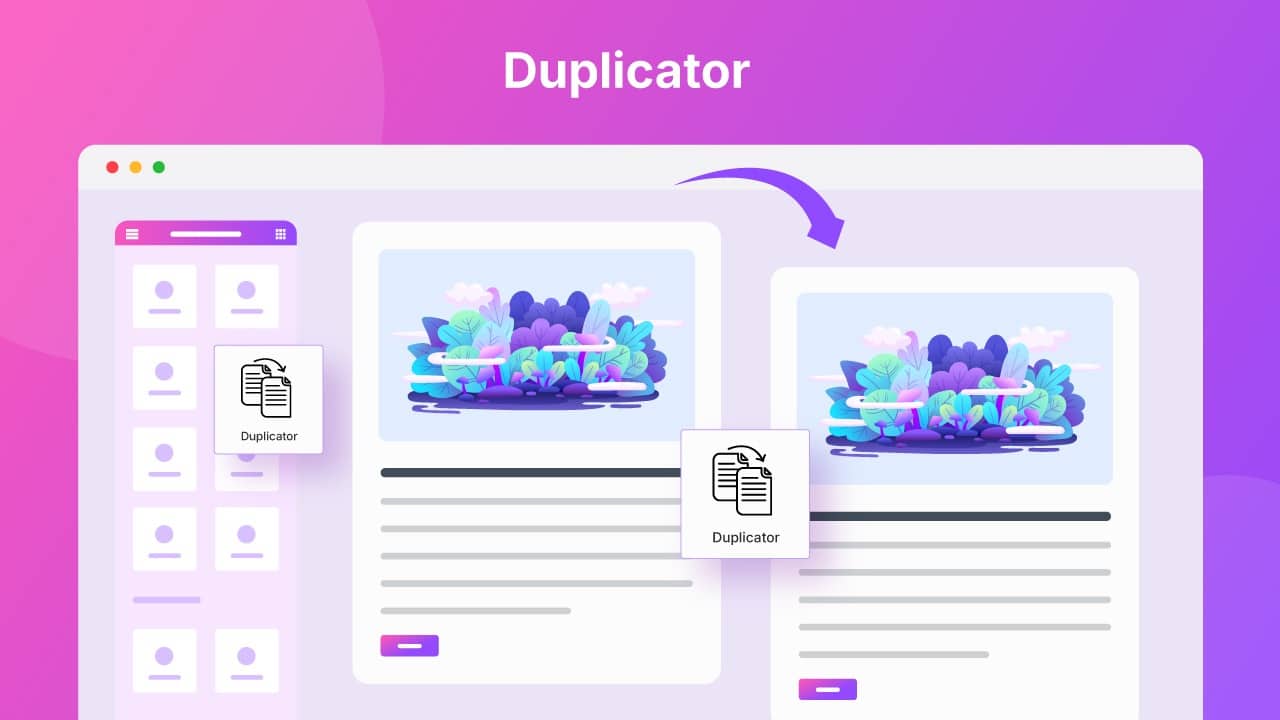
Duplicator
Clone Elementor pages, posts, and templates with ease. The Wow Elements Elementor Addons Duplicator feature lets you duplicate any Elementor page, post, or template with a single click. Save time, maintain consistent designs, and speed up your WordPress workflow by reusing layouts, testing variations, and building new pages without starting from scratch.
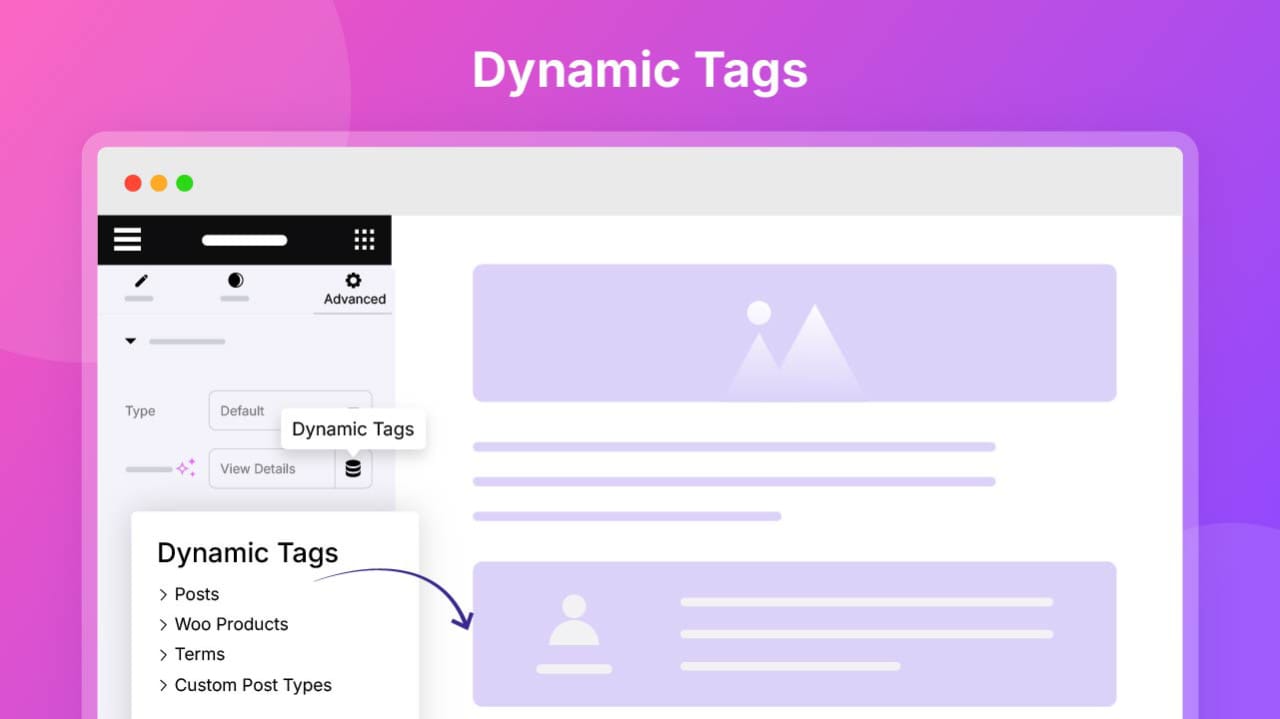
Dynamic Tags
Display dynamic content effortlessly with Dynamic Tags. Automatically pull post titles, custom fields, user information, featured images, and other dynamic data into your Elementor widgets. Build scalable, content-driven WordPress websites that update automatically, reduce manual work, and keep your designs flexible, consistent, and future-ready.
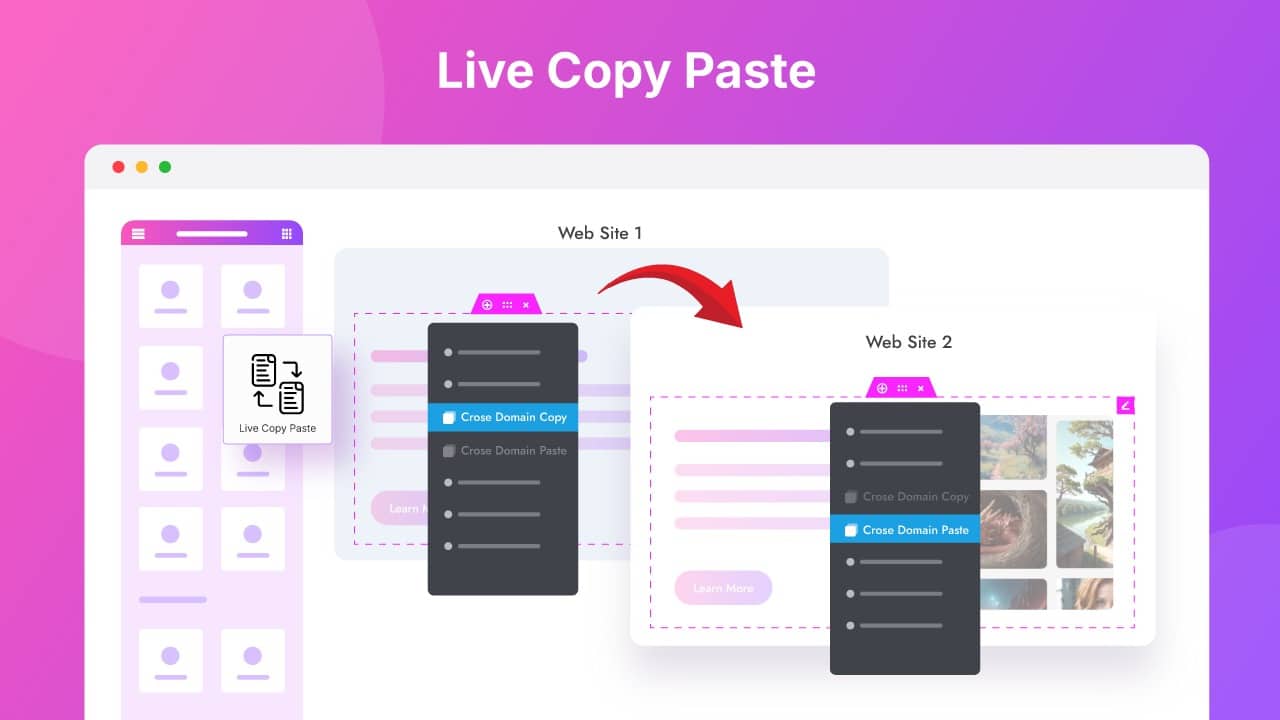
Live Copy Paste
Transfer Elementor designs instantly with Live Copy Paste. Copy and paste widgets, sections, or entire page layouts between pages or even different WordPress websites while preserving all styles and settings. Save time, maintain design consistency, streamline your workflow, and build websites faster without recreating the same layouts from scratch.
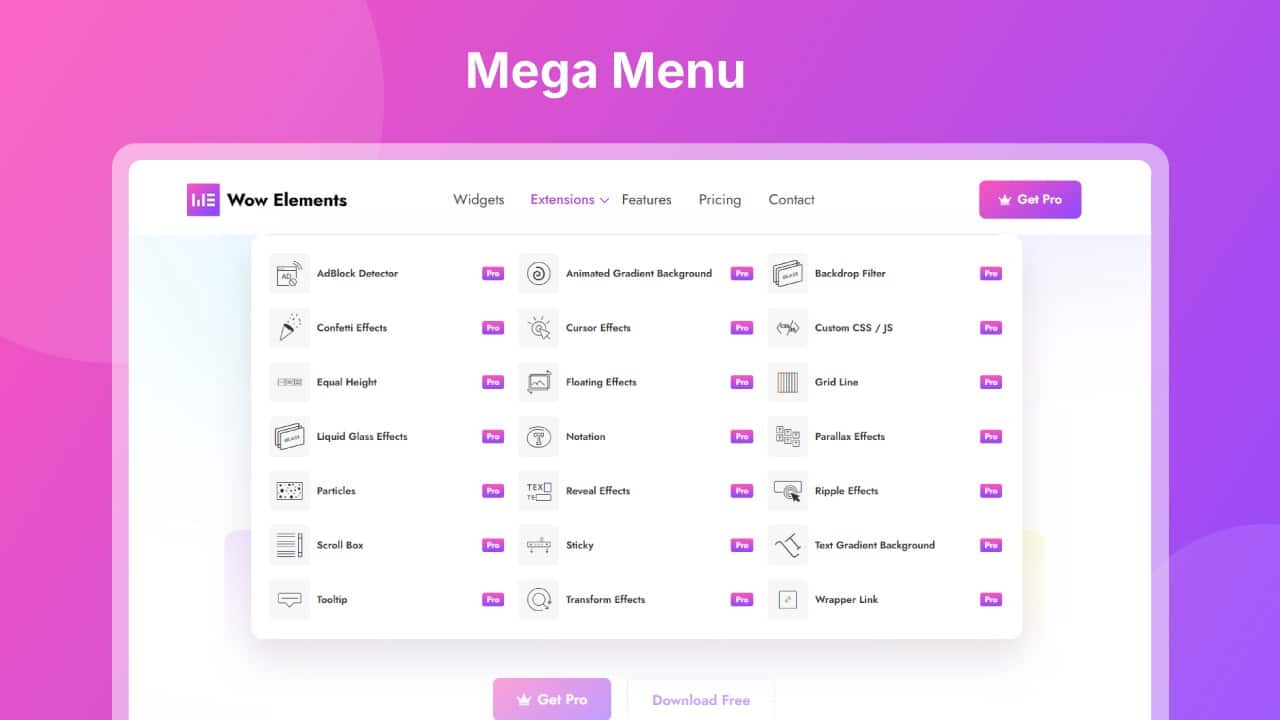
Mega Menu Builder
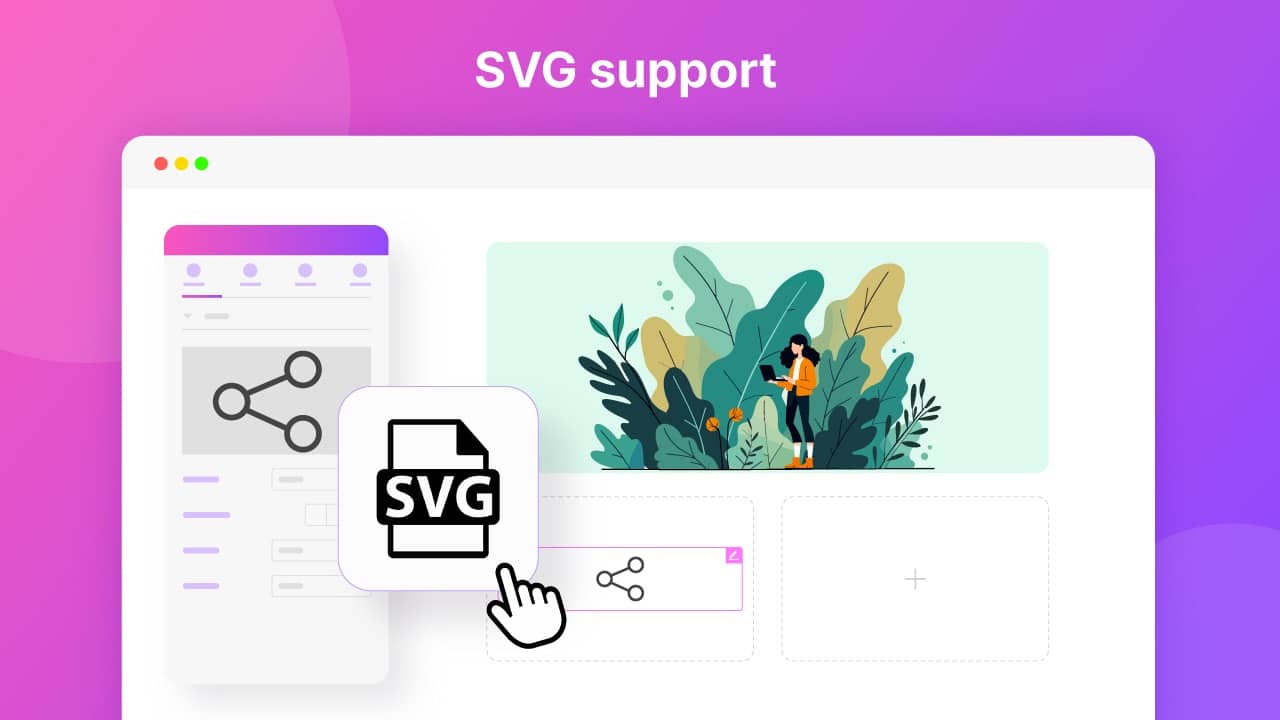
SVG Support
Use scalable and lightweight SVG files effortlessly with SVG Support. Upload and display SVG icons, logos, and modern design elements while maintaining perfect quality across all devices. This feature helps improve website performance, enhance design flexibility, and create sharper, more professional visuals without compromising speed.
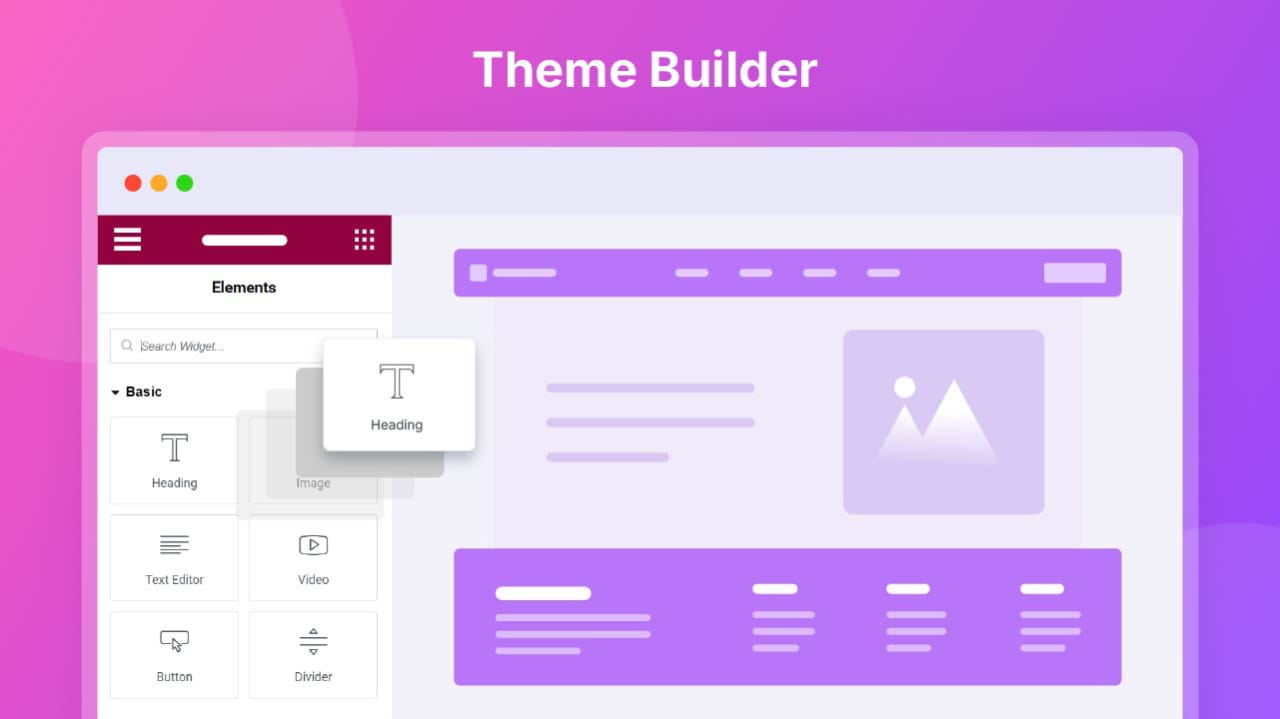
Theme Builder
Design and customize your entire WordPress website layout with Theme Builder. Create custom headers, footers, single post templates, page layouts, and archive designs using Elementor’s visual editor. Build dynamic templates, apply display conditions, and take full control of your website structure without editing theme files. Enjoy a flexible, consistent, and fully customized WordPress experience.
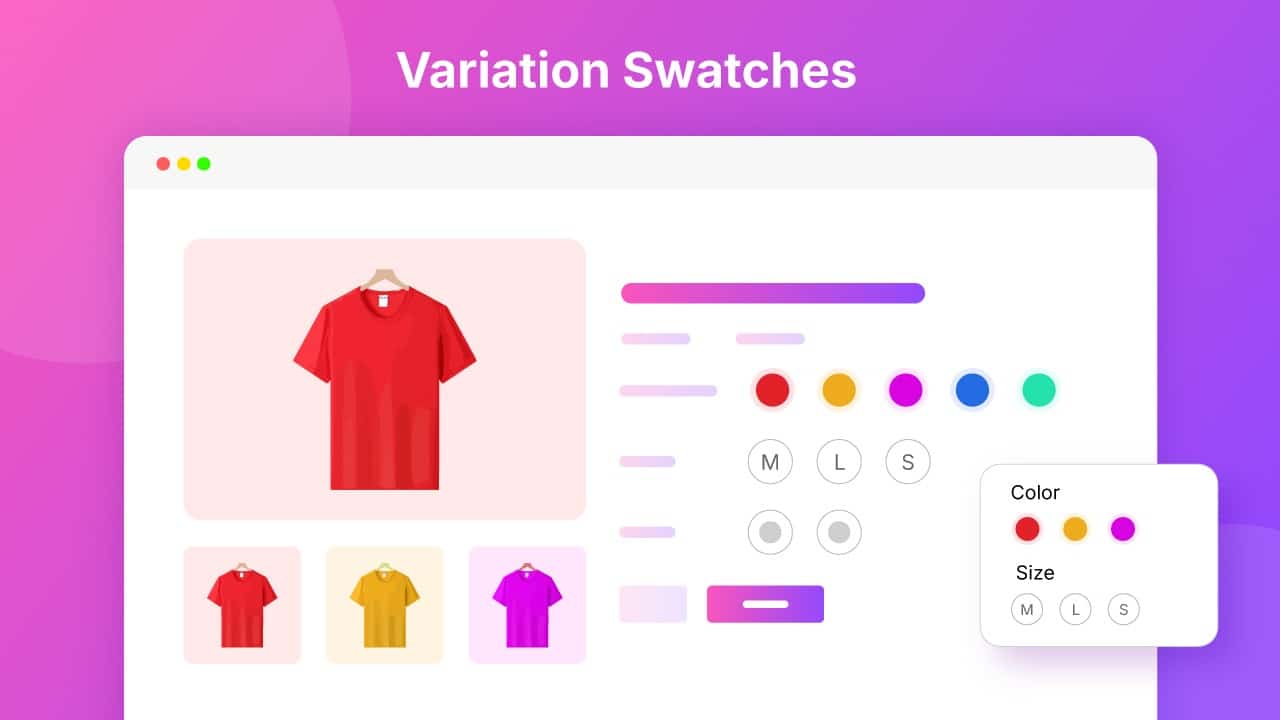
Variation Swatches
Enhance your WooCommerce product pages with beautiful Variation Swatches. Replace traditional dropdown menus with visual color, image, and label options that make product variations easier for customers to explore. Improve product presentation, create a better shopping experience, reduce confusion, and help increase conversions with a modern and user-friendly selection process.
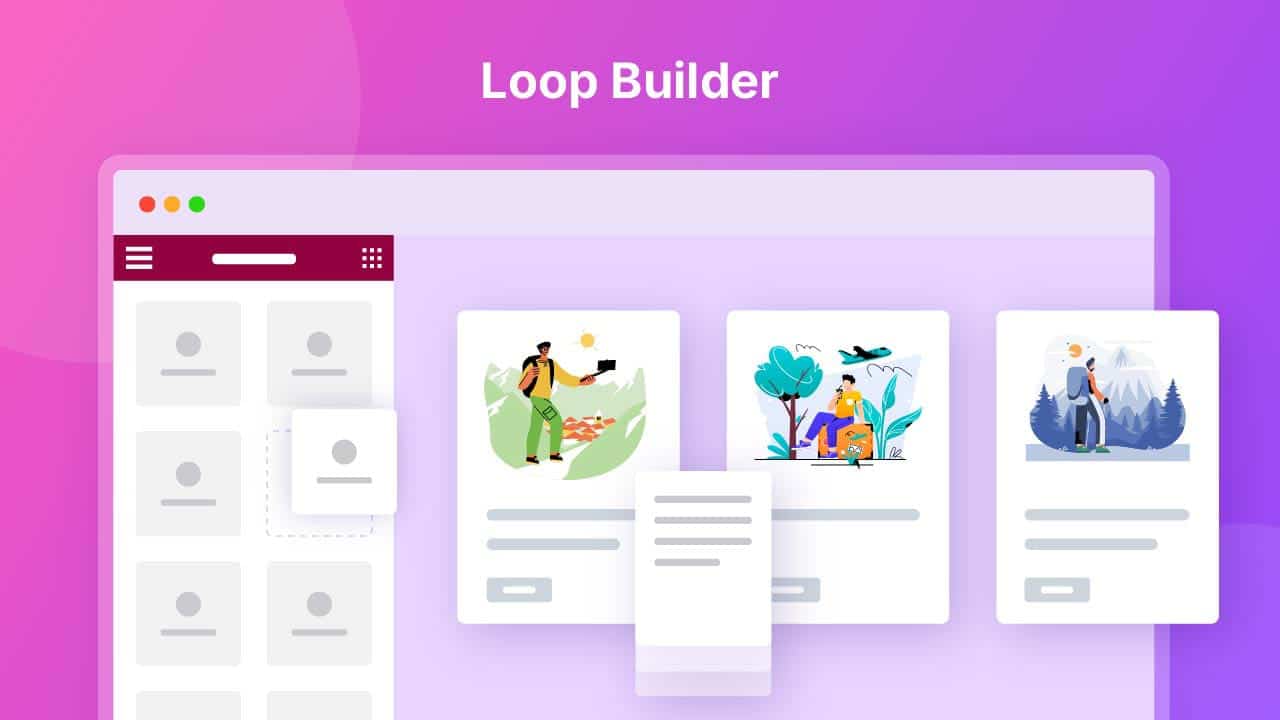
Loop Builder
Create custom repeating layouts for posts, products, and dynamic content with Loop Builder. Design a single loop item using Elementor and automatically display it across lists, grids, and archive pages. Build flexible, dynamic layouts with ease while maintaining consistent designs, saving time, and reducing repetitive design tasks.
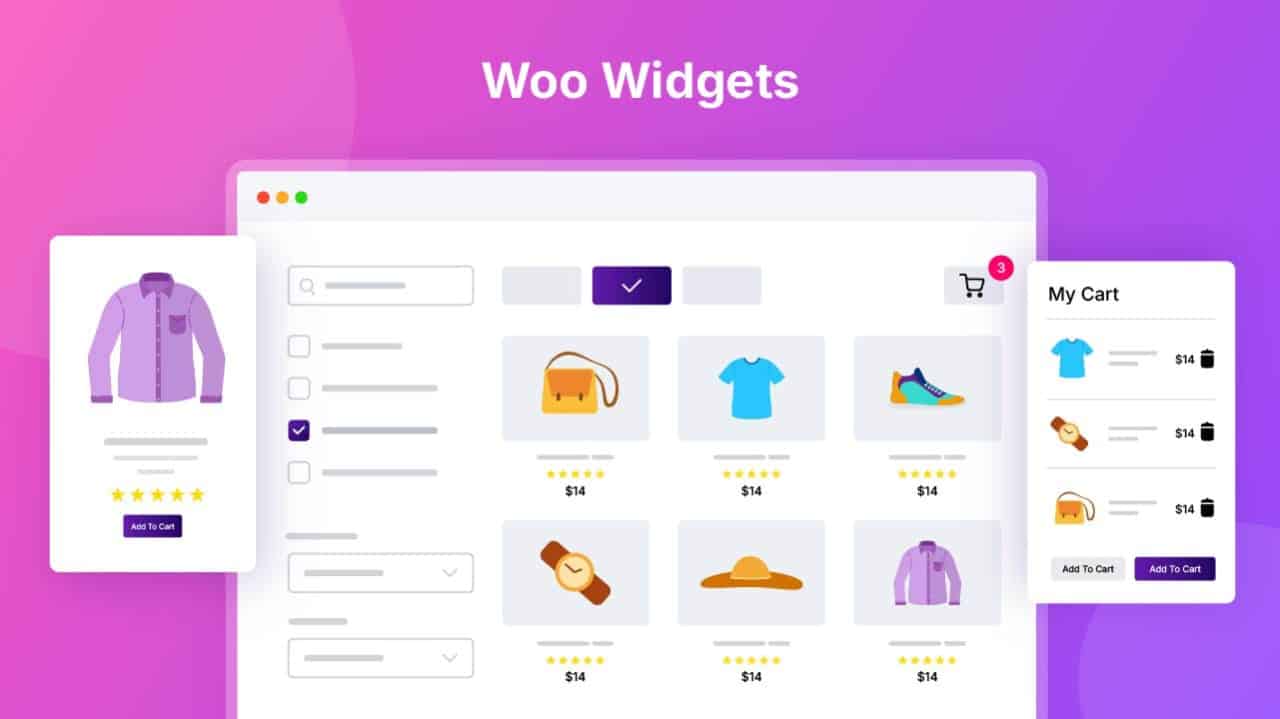
Woo Widgets
Build stunning WooCommerce pages with powerful, customizable Woo Widgets designed for Elementor. Display products, prices, ratings, add-to-cart buttons, and other essential store elements with complete design control. Create attractive product pages, shop layouts, and promotional sections that enhance user experience, improve engagement, and help drive more conversions.
150+ Free & Pro Elementor Widgets
Everything you need to design beautiful pages, dynamic layouts, and high-converting websites with Elementor.
Pricing
Build More. Pay Less.
Try Wow Elements risk-free with our 30-day money-back guarantee.
Starter
Single Site
- 150+ Premium Widgets
- 20+ Extensions
- Theme Builder
- Mega Menu Builder
- Display Conditions
- Dynamic Tags
- Duplicator
- Live Copy Paste
- Variation Swatches
- SVG Support
- Dynamic Content
- Dynamic Loop Builder
- Remote Control Widgets
- Post Widgets
- WooCommerce Widgets
- Regular Updates
- Priority Support
Professional
10 Sites
- 150+ Premium Widgets
- 20+ Extensions
- Theme Builder
- Mega Menu Builder
- Display Conditions
- Dynamic Tags
- Duplicator
- Live Copy Paste
- Variation Swatches
- SVG Support
- Dynamic Content
- Dynamic Loop Builder
- Remote Control Widgets
- Post Widgets
- WooCommerce Widgets
- Regular Updates
- Priority Support
Business
100 Sites
- 150+ Premium Widgets
- 20+ Extensions
- Theme Builder
- Mega Menu Builder
- Display Conditions
- Dynamic Tags
- Duplicator
- Live Copy Paste
- Variation Swatches
- SVG Support
- Dynamic Content
- Dynamic Loop Builder
- Remote Control Widgets
- Post Widgets
- WooCommerce Widgets
- Regular Updates
- Priority Support
Unlimited
Unlimited Sites
- 150+ Premium Widgets
- 20+ Extensions
- Theme Builder
- Mega Menu Builder
- Display Conditions
- Dynamic Tags
- Duplicator
- Live Copy Paste
- Variation Swatches
- SVG Support
- Dynamic Content
- Dynamic Loop Builder
- Remote Control Widgets
- Post Widgets
- WooCommerce Widgets
- Regular Updates
- Priority Support
Upcoming 100+ Pre Designed Website Templates

Frequently Asked Questions