Show or hide widgets, sections, or content based on advanced conditions like user role, device, login state, date/time, and more for personalized experiences.
WooCommerce makes it easy to create an online store with WordPress. But if you want your store to look modern, load faster, and provide a better shopping experience, WooCommerce alone isn’t always enough. This is where Elementor addons become useful.
Elementor is already one of the most popular page builders for WordPress. When you combine it with the right addon, you can design beautiful product pages, custom shop layouts, advanced checkout pages, product sliders, mega menus, variation swatches, dynamic templates, and much more, without writing code.
However, choosing the right addon isn’t easy. There are dozens of Elementor plugins available, and many of them offer similar features. Some focus on design, while others are built specifically for WooCommerce stores.
In this guide, we’ve selected the 10 best Elementor addons for WooCommerce websites in 2026 based on their WooCommerce features, performance, ease of use, customization options, and overall value.
What Makes a Great Elementor WooCommerce Addon?
Before choosing an Elementor addon, it’s important to know what features actually matter for an online store.
A good WooCommerce addon should help you:
Create attractive product pages
Design custom shop and category layouts
Improve the checkout experience
Display product sliders and carousels
Showcase reviews and ratings
Build responsive pages for all devices
Customize headers, footers, and templates
Improve user experience without slowing down your website
Performance is equally important. A lightweight plugin with clean code can help your website load faster and improve SEO. Responsive design, regular updates, and compatibility with the latest versions of Elementor and WooCommerce are also essential.
1. Wow Elements
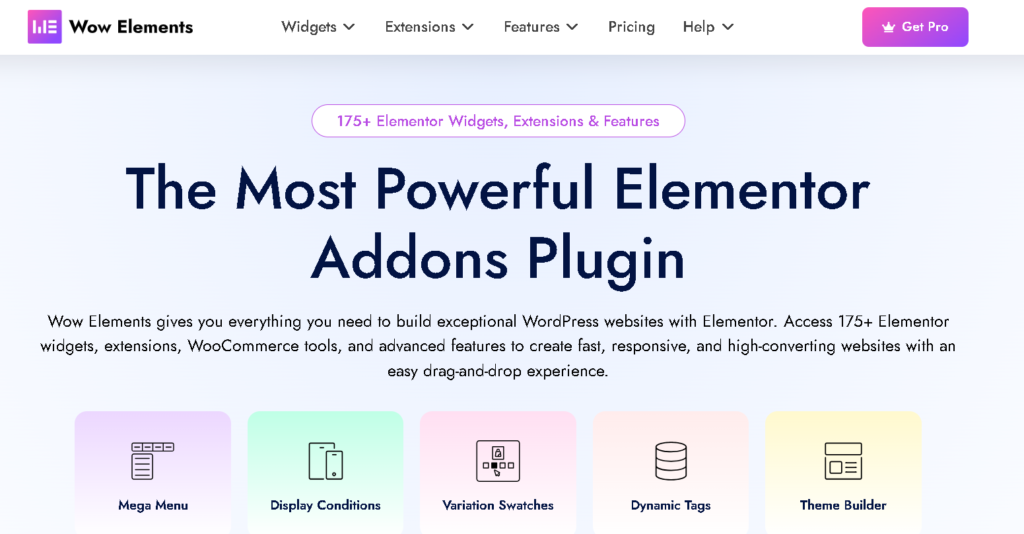
If your primary goal is building a professional WooCommerce website with plenty of design flexibility,Wow Elements deserves a place at the top of this list.
Rather than focusing only on widgets, Wow Elements combines WooCommerce widgets, Elementor extensions, Theme Builder, Dynamic Tags, Display Conditions, Mega Menu Builder, Loop Builder, and many productivity tools into one plugin. It offers more than 175 Elementor widgets, extensions, and features, making it suitable for beginners, freelancers, agencies, and store owners alike.
Why It Stands Out
One of the biggest advantages of Wow Elements is its strong WooCommerce toolkit.
Instead of relying on multiple plugins, you can design almost every part of your online store from one dashboard.
Some popular WooCommerce widgets include:
Product Grid
Product Carousel
Product Slider
Product Filters
Product Tabs
Product Reviews
Product Rating
Product Image
Product Category
Product Table
Mini Cart
Cart Page Builder
Checkout Page Builder
My Account Builder
Order Page Builder
Variation Swatches
The plugin also includes powerful Elementor features such as:
Theme Builder
Dynamic Tags
Display Conditions
Loop Builder
Mega Menu Builder
Live Copy Paste
SVG Support
Duplicator
These features allow users to build fully customized WooCommerce stores without editing theme files.
Best WooCommerce Features
For WooCommerce users, several features are especially useful:
Variation Swatches
Instead of boring dropdown menus, customers can select product variations using color, image, or label swatches, making product pages look cleaner and easier to use.
Custom Shop Pages
You can completely redesign your shop page using Elementor widgets and templates.
Custom Product Templates
Design unique layouts for product pages without touching any PHP files.
Dynamic Content
Display product information automatically using Dynamic Tags, reducing repetitive work.
Advanced Display Conditions
Show or hide sections based on user roles, login status, devices, dates, or many other conditions for a more personalized shopping experience.
Performance
Performance is another strong point.
Wow Elements is built with lightweight assets, responsive controls, and clean code to help websites maintain good loading speeds while offering a large collection of widgets and WooCommerce features. The plugin is also updated regularly to stay compatible with the latest WordPress, Elementor, and WooCommerce releases.
Pros
Huge collection of WooCommerce widgets
175+ Elementor widgets, extensions, and features
Powerful Theme Builder
Dynamic Tags
Display Conditions
Loop Builder
Mega Menu Builder
Variation Swatches
Beginner-friendly interface
Regular updates
Lightweight design
Cons
Some advanced WooCommerce features require the Pro version.
Best For
WooCommerce store owners
Freelancers
Agencies
Business websites
Custom eCommerce projects
2. Essential Addons for Elementor
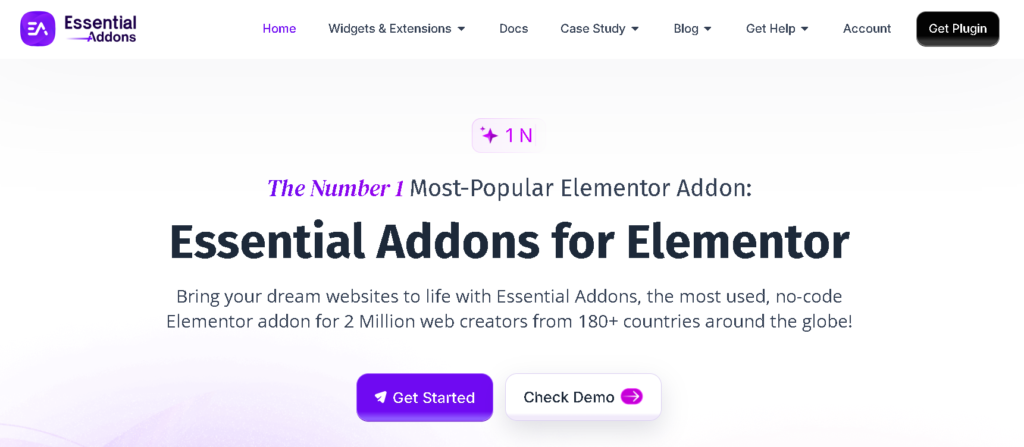
When people talk about Elementor plugins, Essential Addons for Elementor is almost always part of the conversation. It has been around for years and has built a strong reputation for offering a large collection of widgets that work well with Elementor.
Although it supports many types of websites, it also includes several useful tools for WooCommerce store owners.
Why It Stands Out
Essential Addons focuses on making website building easier by providing ready-made widgets and templates. Instead of building everything from scratch, you can quickly create product sections, promotional banners, customer reviews, and sales pages.
The plugin is regularly updated and supports the latest versions of WordPress, Elementor, and WooCommerce.
Best WooCommerce Features
Some of its useful WooCommerce features include:
Product Grid
Product Carousel
Product Gallery
Product Category Grid
Product Collections
Woo Product List
Woo Checkout
Woo Cart
Woo My Account
Cross Sell Products
Upsell Products
These widgets allow you to customize important parts of your online store without editing WooCommerce templates.
Other Useful Features
Beyond WooCommerce, the plugin offers many design elements such as:
Advanced Tabs
Data Tables
Testimonials
Content Toggle
Image Accordion
Pricing Tables
Call to Action
Modal Popup
Advanced Google Maps
Instagram Feed
Content Protection
These widgets help create a more engaging shopping experience.
Performance
Essential Addons includes an element manager that lets you disable widgets you don’t use. This reduces unnecessary files from loading and can help improve website speed.
The developers also focus on compatibility and regular maintenance, making it a reliable choice for long-term projects.
Pros
Large widget library
Good WooCommerce support
Easy to use
Ready-made templates
Regular updates
Widget manager for better performance
Cons
Some WooCommerce widgets are available only in the Pro version.
Beginners may not use all available widgets.
Best For
Small businesses
WooCommerce websites
Agencies
Freelancers
Marketing websites
3. Happy Addons
Happy Addons has become a popular Elementor extension because of its creative widgets, live editing experience, and modern design tools. It is suitable for users who want to build attractive WooCommerce stores without spending too much time on custom coding.
The plugin combines useful design features with WooCommerce widgets, making it easier to create professional online stores.
Why It Stands Out
Happy Addons offers several unique Elementor features that improve the design workflow. Features like Preset Designs, Live Copy, Floating Effects, and Wrapper Link help users create modern-looking pages more quickly.
For WooCommerce users, it includes dedicated widgets for product pages, product categories, shopping carts, and checkout pages.
Best WooCommerce Features
Popular WooCommerce widgets include:
Product Grid
Product Carousel
Product Category
Product Archive
Product Rating
Product Breadcrumb
Add to Cart
Mini Cart
Cart
Checkout
My Account
These widgets help users create customized shopping experiences using Elementor’s drag-and-drop editor.
Other Useful Features
Happy Addons also includes:
Live Copy
Cross-Domain Copy Paste
Floating Effects
Wrapper Link
Unlimited Section Nesting
Preset Designs
Advanced Animation
Theme Builder
Global Controls
These features make website design faster and more flexible.
Performance
The plugin uses modular loading, allowing only the widgets you enable to load on the frontend. This can improve performance compared to loading every available widget.
It also receives regular updates and works with recent Elementor and WooCommerce releases.
Pros
Modern interface
Useful WooCommerce widgets
Creative design features
Live Copy support
Theme Builder
Good performance
Cons
Several advanced WooCommerce features require the Pro version.
Some users may find the large feature set overwhelming at first.
Best For
Creative online stores
Agencies
Designers
Small businesses
Elementor beginners
4. The Plus Addons for Elementor
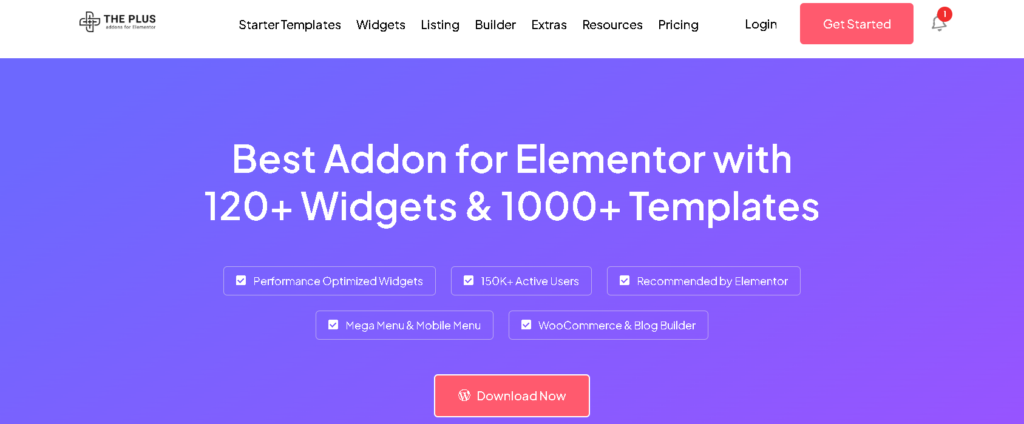
The Plus Addons for Elementor is one of the most feature-rich Elementor plugins available today. It offers a huge collection of widgets, templates, builders, and marketing tools, making it suitable for advanced WooCommerce websites.
If you want maximum design flexibility, this plugin is worth considering.
Why It Stands Out
The Plus Addons goes beyond standard widgets by offering advanced builders, dynamic content features, and marketing-focused tools.
It also provides many WooCommerce widgets that allow complete customization of product pages, shop layouts, and customer account pages.
Best WooCommerce Features
Some of its WooCommerce widgets include:
Product Listing
Product Grid
Product Carousel
Product Categories
Product Meta
Product Image
Product Breadcrumb
Product Navigation
Add to Cart
Mini Cart
Checkout
My Account
These widgets give you more control over how products are displayed across your store.
Other Useful Features
Additional features include:
Mega Menu Builder
Dynamic Listing
Theme Builder
Popup Builder
Advanced Tables
Blog Builder
Marketing Widgets
Timeline Widgets
Advanced Forms
Social Feed Widgets
This wide range of tools makes it useful for websites beyond eCommerce.
Performance
Despite offering many features, The Plus Addons includes modular controls that let you enable only the widgets you need. This helps reduce unnecessary resource usage and keeps websites performing well.
Regular updates and compatibility with the latest Elementor versions make it a dependable option.
Pros
Huge widget collection
Advanced WooCommerce tools
Theme Builder
Mega Menu support
Dynamic content features
Modular performance settings
Cons
Can feel feature-heavy for beginners.
The extensive feature set may require more time to learn.
Best For
Large WooCommerce stores
Agencies
Developers
Advanced Elementor users
Businesses needing extensive customization
5. Royal Addons
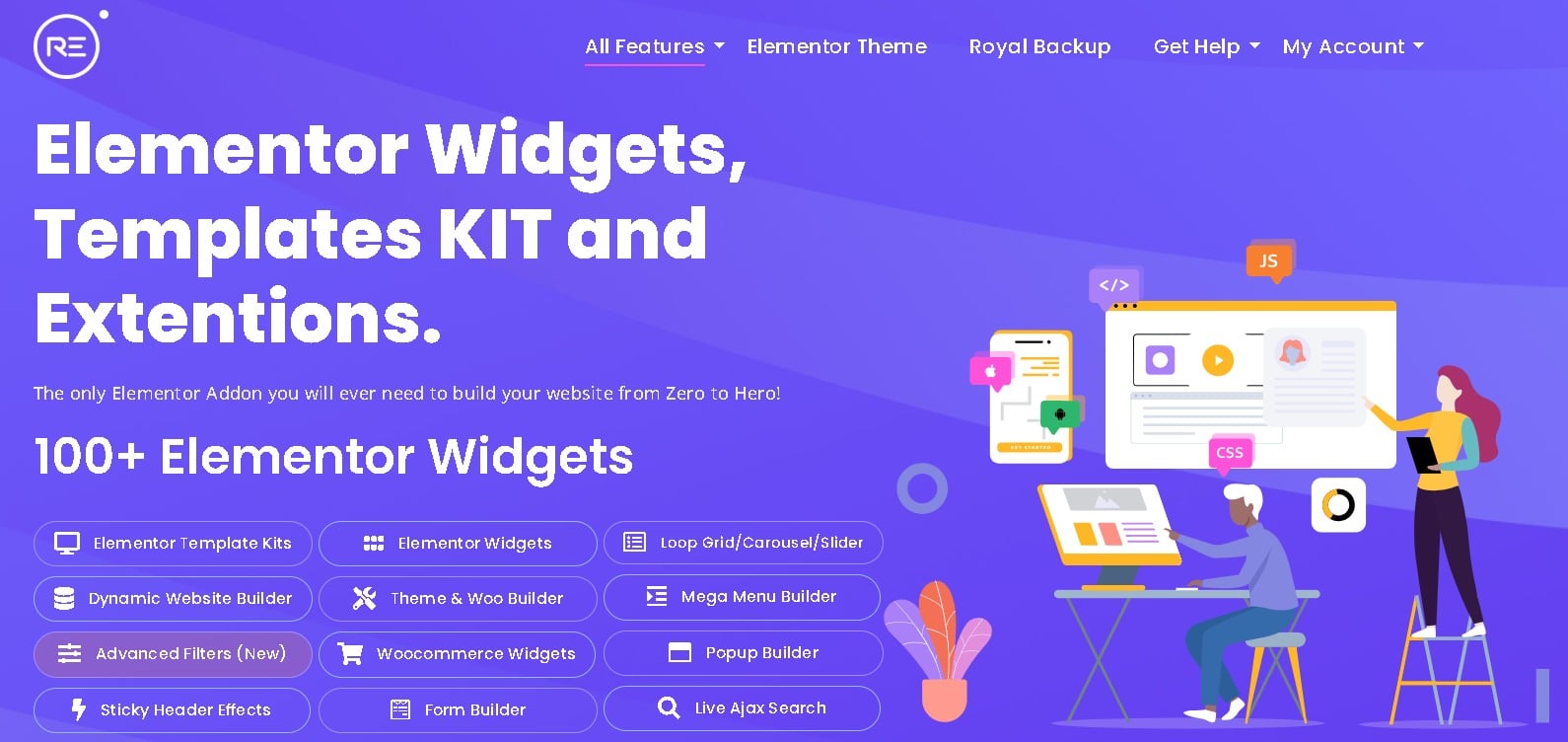
If you’re looking for an Elementor addon that offers a large widget library, WooCommerce tools, and creative design features, Royal Addons is a solid choice. It is suitable for freelancers, agencies, developers, and business owners who want to build attractive WordPress and WooCommerce websites without adding multiple plugins.
Royal Addons combines a wide range of Elementor widgets, templates, extensions, and WooCommerce features in a single plugin. Its user-friendly interface makes it easy for both beginners and experienced users to create professional websites.
Why It Stands Out
Royal Addons provides an extensive collection of Elementor widgets and WooCommerce tools that help users build beautiful, responsive websites with less effort.
The plugin includes:
100+ Elementor Widgets
90+ Elementor Templates
WooCommerce Widgets
Theme Builder
Popup Builder
Mega Menu
Header & Footer Builder
Motion Effects
Display Conditions
Dynamic Content Support
These features allow you to customize almost every part of your WooCommerce store using Elementor’s drag-and-drop editor.
Best WooCommerce Features
Royal Addons includes several WooCommerce widgets and features that help improve the shopping experience.
Some of the most useful features include:
Product Grid
Product Carousel
Product Categories
Product List
Product Tabs
Product Gallery
Add to Cart
Mini Cart
Checkout Page Widgets
My Account Widgets
Related Products
Upsell Products
Cross-sell Products
Product Breadcrumbs
These widgets make it easy to design custom WooCommerce pages without writing code.
Other Useful Features
Beyond WooCommerce, Royal Addons offers many features for building modern websites.
Some highlights include:
Theme Builder
Popup Builder
Mega Menu Builder
Header & Footer Builder
Display Conditions
Sticky Section
Lottie Animations
Mouse Effects
Floating Effects
Template Library
Cross-Domain Copy Paste
Custom CSS Support
These features help speed up website creation while giving you greater design flexibility.
Performance
Royal Addons is built with performance in mind. The plugin uses modular loading, allowing you to enable only the widgets you need. This reduces unnecessary CSS and JavaScript files, helping improve page speed and overall website performance.
The plugin also receives regular updates to maintain compatibility with the latest versions of WordPress, Elementor, and WooCommerce.
Pros
Large collection of
Elementor widgets
Good WooCommerce widget selection
Theme Builder included
Mega Menu and Popup Builder
Modular loading for better performance
Beginner-friendly interface
Regular updates
Large template library
Cons
Some advanced features require the Pro version.
A few widgets may overlap with Elementor Pro features.
Best For
WooCommerce store owners
Freelancers
Agencies
Small businesses
Creative websites
Users looking for an all-in-one Elementor addon
6. Premium Addons for Elementor
Premium Addons for Elementor is another popular choice for users who want a balance between design flexibility and website performance. It includes a wide range of creative widgets, responsive controls, and WooCommerce elements for building attractive online stores.
The plugin focuses on providing clean, customizable widgets that work well for both beginners and experienced designers.
Why It Stands Out
Premium Addons is known for its lightweight approach and user-friendly interface. It offers many useful widgets without making the editing experience complicated.
For WooCommerce websites, it includes widgets that allow you to build custom product pages, category layouts, and promotional sections using Elementor.
Best WooCommerce Features
Some of its WooCommerce widgets include:
Woo Products
Woo Categories
Product Grid
Product Carousel
Add to Cart
Product Rating
Product Image
Product Price
Product Meta
Product Gallery
These widgets make it easy to create modern product layouts without touching WooCommerce templates.
Other Useful Features
The plugin also includes:
Image Hotspots
Banner Widgets
Advanced Tabs
Dual Heading
Countdown Timer
Fancy Text
Modal Box
Pricing Tables
Lottie Animations
Section Effects
These widgets help improve both design and user engagement.
Performance
Premium Addons includes a modular widget system, allowing users to activate only the widgets they need. This helps reduce page size and improves loading speed.
The plugin also follows Elementor coding standards and receives regular updates.
Pros
Easy to use
Good WooCommerce support
Lightweight design
Large widget collection
Responsive controls
Regular updates
Cons
Some advanced widgets require the Pro version.
Fewer WooCommerce-specific features than some dedicated eCommerce addons.
Best For
Small online stores
Freelancers
Agencies
Business websites
Portfolio websites with WooCommerce
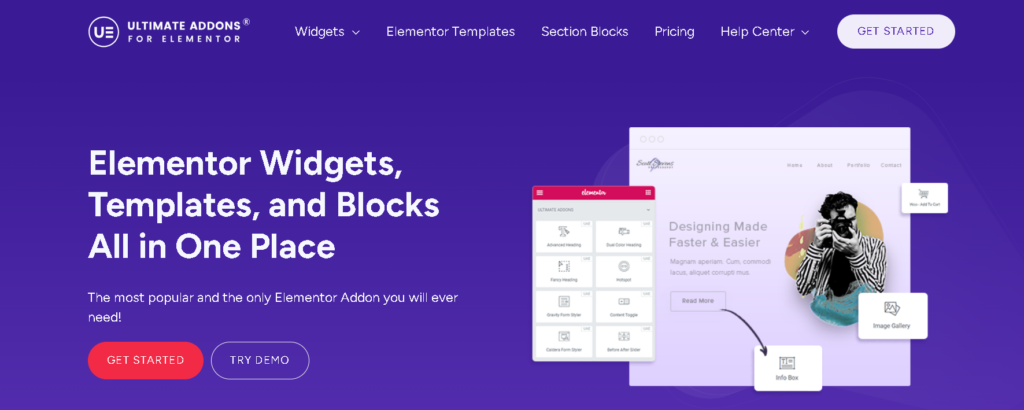
7. Ultimate Addons for Elementor
Ultimate Addons for Elementor, developed by Brainstorm Force, is one of the most trusted Elementor addon plugins in the WordPress ecosystem. It focuses on quality over quantity by offering carefully designed widgets and reliable performance.
For WooCommerce websites, UAE provides several useful widgets that help create professional product pages and shopping experiences.
Why It Stands Out
One of the biggest strengths of Ultimate Addons is its clean code and stability. Since it’s built by the team behind Astra, the plugin integrates well with WordPress and Elementor while maintaining excellent performance.
It is a great option for users who value speed and reliability.
Best WooCommerce Features
Its WooCommerce tools include:
Product Grid
Product Categories
Add to Cart
Product Layouts
Product Carousel
Product Gallery
Checkout Design Support
Archive Templates
These widgets allow users to create custom WooCommerce layouts without needing additional code.
Other Useful Features
Besides WooCommerce, UAE offers:
Info Box
Advanced Heading
Timeline
Marketing Button
Modal Popup
Content Toggle
Before & After Slider
Table of Contents
Hotspot
Team Member
These widgets help create engaging business and marketing pages.
Performance
Ultimate Addons is well known for its optimized codebase. Users can disable unused widgets to minimize resource usage, helping websites achieve faster loading times and better Core Web Vitals.
The plugin is also regularly updated and backed by an experienced development team.
Pros
Excellent performance
Clean code
Reliable WooCommerce widgets
Easy to use
Stable updates
Strong reputation
Cons
Smaller widget library than some competitors.
Some advanced WooCommerce customization options require additional tools.
Best For
Performance-focused websites
WooCommerce stores
Agencies
Freelancers
Business websites
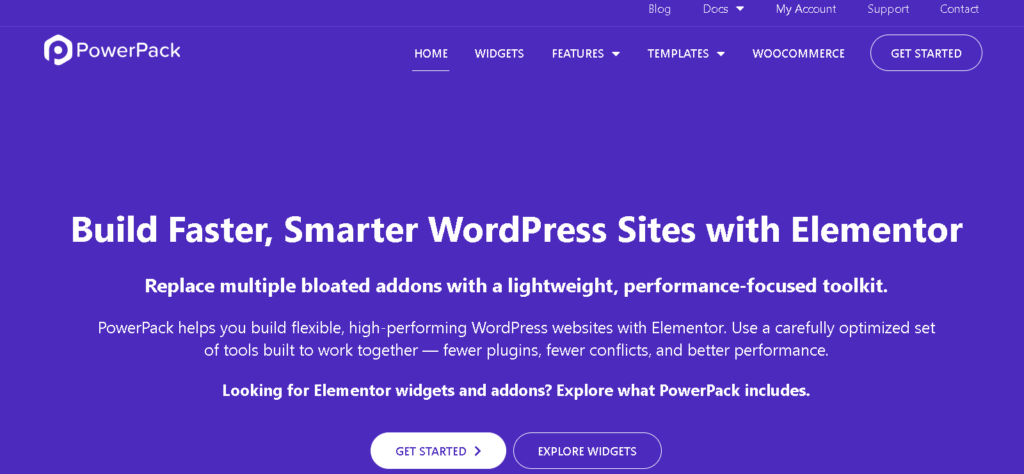
8. PowerPack Addons for Elementor
PowerPack Addons is a well-established Elementor extension designed for agencies, freelancers, and business owners who want advanced design capabilities without sacrificing website performance. It offers a solid collection of widgets, templates, and WooCommerce elements for creating professional online stores.
One of its biggest strengths is its clean interface and focus on usability. Instead of overwhelming users with hundreds of features, PowerPack provides practical tools that help build attractive and functional WooCommerce websites.
Why It Stands Out
PowerPack offers dedicated WooCommerce widgets that make it easy to customize your online store using Elementor’s drag-and-drop editor.
Whether you want to redesign your shop page, create custom product layouts, or showcase featured products, the plugin provides flexible options for different store types.
Best WooCommerce Features
Some of its WooCommerce widgets include:
Product Grid
Product Carousel
Product Categories
Add to Cart
Product Image
Product Price
Product Rating
Product Stock
Product Meta
Product Breadcrumbs
These widgets allow store owners to build visually appealing product pages while keeping the shopping experience user-friendly.
Other Useful Features
PowerPack also includes:
Advanced Posts Widget
Image Gallery
Table Widget
Dual Heading
Countdown Timer
Business Hours
Team Members
Testimonials
Advanced Tabs
Popup Builder Support
These widgets are useful for creating landing pages, promotional campaigns, and business websites alongside your WooCommerce store.
Performance
PowerPack is optimized for speed and follows Elementor’s coding standards. It includes modular controls so users can disable unused widgets, helping reduce unnecessary CSS and JavaScript.
Pros
Clean interface
Good WooCommerce widget collection
Easy customization
Performance-focused
Regular updates
Suitable for agencies
Cons
Smaller widget library compared to some larger competitors.
Certain advanced WooCommerce features require the Pro version.
Best For
Agencies
Freelancers
Business websites
Medium-sized WooCommerce stores
9. JetWooBuilder (Crocoblock)
Unlike general Elementor addons, JetWooBuilder focuses almost entirely on WooCommerce. Developed by Crocoblock, it is designed specifically for users who want complete control over every part of their online store.
If WooCommerce customization is your top priority, JetWooBuilder is one of the strongest options available.
Why It Stands Out
JetWooBuilder lets you create custom templates for nearly every WooCommerce page.
Instead of using your theme’s default layouts, you can design:
Single Product Pages
Shop Pages
Product Archives
Category Pages
Cart Pages
Checkout Pages
This level of customization is especially useful for brands that want a unique shopping experience.
Best WooCommerce Features
Key WooCommerce widgets include:
Products Grid
Products List
Categories Grid
Categories List
Add to Cart
Product Gallery
Product Images
Product Title
Product Price
Product Rating
Related Products
Upsells
Cross-Sells
These widgets allow you to build completely custom WooCommerce templates using Elementor.
Other Useful Features
JetWooBuilder also provides:
Custom Shop Templates
Archive Builder
Product Badge Support
Ajax Loading
Dynamic Content Integration
Template Library
Product Comparison Support
Wishlist Compatibility
These features give store owners greater flexibility when creating advanced WooCommerce websites.
Performance
Although JetWooBuilder offers many advanced features, it performs well when combined with Crocoblock’s modular system. Users can activate only the components they need, helping reduce unnecessary resource usage.
Pros
Excellent WooCommerce customization
Complete template builder
Advanced product widgets
Dynamic content support
Flexible layouts
Professional design tools
Cons
Primarily focused on WooCommerce rather than general website building.
May require time to learn for beginners.
Best For
Advanced WooCommerce stores
Large online shops
Developers
Agencies
Custom eCommerce projects
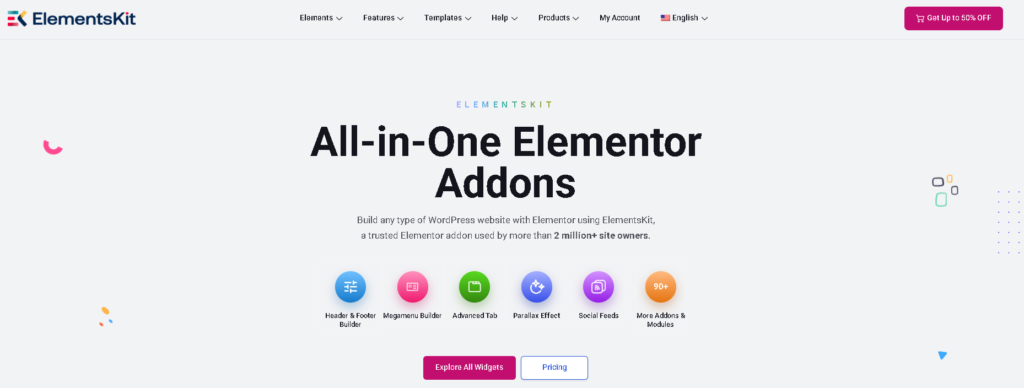
10. ElementsKit
ElementsKit is one of the most feature-rich Elementor addons available today. It combines widgets, extensions, templates, and marketing tools into a single plugin, making it suitable for many types of websites, including WooCommerce stores.
Its combination of flexibility and ease of use has made it popular among both beginners and professionals.
Why It Stands Out
ElementsKit provides a large library of widgets along with useful builders like Header & Footer Builder, Mega Menu Builder, and Layout Kit Library.
For WooCommerce users, it offers dedicated widgets that simplify store customization.
Best WooCommerce Features
Some of its WooCommerce widgets include:
Product Grid
Product List
Product Categories
Product Carousel
Add to Cart
Product Rating
Product Gallery
Product Price
Product Stock
Product Tabs
These widgets help users build attractive shopping experiences without custom coding.
Other Useful Features
Additional features include:
Header Footer Builder
Mega Menu Builder
Widget Builder
Advanced Accordions
Pricing Tables
Image Comparison
Team Members
Testimonials
Motion Effects
Template Library
These tools make ElementsKit suitable for complete website building, not just eCommerce.
Performance
ElementsKit uses a modular system that allows users to disable unused widgets. This helps improve website speed while keeping the editing experience smooth.
Regular updates also ensure compatibility with the latest Elementor and WooCommerce versions.
Pros
Large widget library
Good WooCommerce support
Mega Menu Builder
Header & Footer Builder
Easy to use
Regular updates
Cons
Large feature set may feel overwhelming for first-time users.
Some advanced features are available only in the Pro version.
Best For
WooCommerce stores
Agencies
Freelancers
Beginners
Business websites
Comparison Table
Plugin
WooCommerce Features
Performance
Ease of Use
Best For
Wow Elements
⭐⭐⭐⭐⭐
⭐⭐⭐⭐⭐
⭐⭐⭐⭐⭐
All types of WooCommerce stores
Essential Addons
⭐⭐⭐⭐☆
⭐⭐⭐⭐☆
⭐⭐⭐⭐⭐
Small to medium businesses
Happy Addons
⭐⭐⭐⭐☆
⭐⭐⭐⭐☆
⭐⭐⭐⭐⭐
Creative online stores
The Plus Addons
⭐⭐⭐⭐⭐
⭐⭐⭐⭐☆
⭐⭐⭐⭐☆
Advanced users
Atomic Addons
⭐⭐⭐⭐⭐
⭐⭐⭐⭐⭐
⭐⭐⭐⭐⭐
Freelancers, agencies, businesses
Premium Addons
⭐⭐⭐⭐☆
⭐⭐⭐⭐⭐
⭐⭐⭐⭐⭐
Lightweight websites
Ultimate Addons
⭐⭐⭐⭐☆
⭐⭐⭐⭐⭐
⭐⭐⭐⭐⭐
Performance-focused websites
PowerPack
⭐⭐⭐⭐☆
⭐⭐⭐⭐⭐
⭐⭐⭐⭐☆
Agencies
JetWooBuilder
⭐⭐⭐⭐⭐
⭐⭐⭐⭐☆
⭐⭐⭐⭐☆
WooCommerce specialists
ElementsKit
⭐⭐⭐⭐☆
⭐⭐⭐⭐☆
⭐⭐⭐⭐⭐
Beginners and businesses
How to Choose the Right Elementor Addon for WooCommerce
Every online store has different needs, so the best Elementor addon depends on your goals.
Choose an addon based on these factors:
WooCommerce Features: Make sure it includes the widgets and builders you need, such as product grids, checkout pages, mini carts, and product templates.
Performance: A lightweight plugin with modular loading can improve page speed and Core Web Vitals.
Ease of Use: Beginners may prefer a simple interface, while developers might want advanced customization options.
Compatibility: Ensure the addon works well with the latest versions of Elementor, WooCommerce, and WordPress.
Support and Updates: Regular updates and reliable documentation are important for long-term website maintenance.
Value for Money: Compare free and premium features to choose a plugin that fits your budget and requirements.
Frequently Asked Questions
1. What is an Elementor addon for WooCommerce?
An Elementor addon for WooCommerce is a plugin that extends Elementor with extra widgets, templates, and features designed specifically for WooCommerce stores. These addons help you create custom product pages, shop layouts, carts, and checkout pages without coding.
2. Why should I use an Elementor addon with WooCommerce?
Elementor addons give you more design flexibility than the default WooCommerce options. They let you build attractive product pages, improve the shopping experience, and customize different parts of your online store using drag-and-drop tools.
3. Are Elementor WooCommerce addons beginner-friendly?
Yes. Most Elementor addons are designed for beginners and include easy-to-use widgets, pre-built templates, and visual editing tools, making it simple to create professional WooCommerce websites.
4. Can I customize my WooCommerce product pages with Elementor addons?
Yes. Many Elementor addons allow you to customize single product pages, shop pages, product archives, category pages, carts, and checkout pages without editing code.
5. Do Elementor addons affect website performance?
A well-coded Elementor addon with modular loading usually has minimal impact on performance. Disabling unused widgets and using good hosting can help keep your WooCommerce website fast.
6. Can I use multiple Elementor addons on the same website?
Yes, but it’s generally not recommended. Using multiple addons may create duplicate widgets, increase page size, and cause compatibility issues. In most cases, one feature-rich addon is enough.
7. Are free Elementor addons enough for WooCommerce stores?
Free versions work well for basic WooCommerce websites. However, premium versions often include advanced features like custom checkout builders, product templates, display conditions, dynamic content, and additional WooCommerce widgets.
8. What features should I look for in an Elementor WooCommerce addon?
Look for features such as product grids, product carousels, custom product templates, cart and checkout builders, mega menus, dynamic content, responsive controls, fast performance, and regular updates.
9. Are Elementor addons compatible with all WordPress themes?
Most popular Elementor addons are compatible with well-coded WordPress themes that support Elementor and WooCommerce. However, it’s always a good idea to check the plugin’s compatibility before installing it.
10. How do I choose the best Elementor addon for my WooCommerce website?
Choose an addon based on your store’s needs, available WooCommerce features, ease of use, performance, update frequency, customer support, and budget. Comparing features and trying the free version can help you make the right decision.
Conclusion
The Elementor ecosystem continues to grow, giving WooCommerce users more ways to build professional and feature-rich online stores without writing code. From advanced product layouts and custom shop pages to checkout optimization and dynamic content, the right addon can make managing and growing your store much easier.
There isn’t a single Elementor addon that’s perfect for every WooCommerce website. The ideal choice depends on your business goals, design preferences, performance requirements, and the features you need most. Whether you’re running a small online shop or a large eCommerce store, it’s worth comparing each plugin’s capabilities before making a decision.
As WooCommerce and Elementor continue to evolve in 2026, choosing a well-maintained addon with regular updates and reliable support will help keep your website secure, compatible, and ready for future growth. Take the time to explore your options, test the available features, and select the solution that best fits your long-term needs.